LOD Mods - Increase Draw Distance and Reduce Pop-in in GTA 5
Level of Detail (LOD) mods eliminate annoying pop-in and extend draw distances in GTA 5. This 2026 guide explains how LOD works and how to optimize it for the best visual quality without destroying performance.
What is LOD?
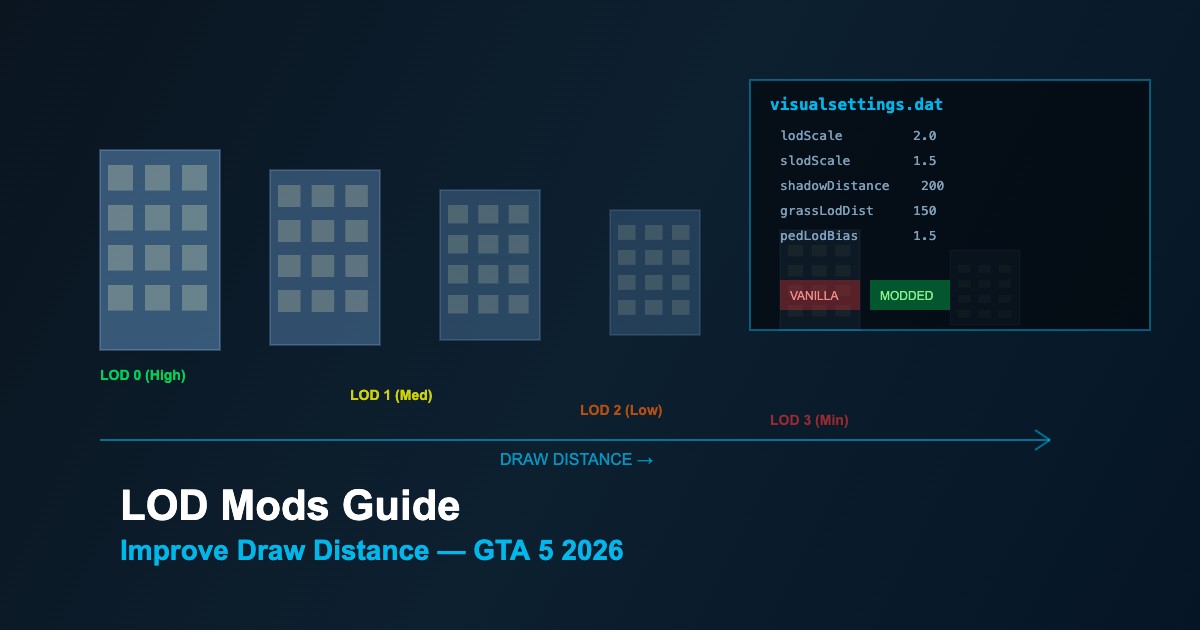
LOD is a rendering technique where objects switch between quality levels based on distance from the camera:
| LOD Level |
Quality |
When Used |
Polygon Count |
| LOD 0 (HD) |
Full detail |
Very close to camera |
100% |
| LOD 1 |
Medium detail |
Medium distance |
~50% |
| LOD 2 |
Low detail |
Far distance |
~25% |
| LOD 3 (SLOD) |
Minimal detail |
Very far / skyline |
~5% |
| Hidden |
Not rendered |
Beyond draw distance |
0% |
Key Configuration Files
| File |
Location |
Controls |
visualsettings.dat |
update/update.rpf/common/data/ |
LOD distances, shadow distances, grass rendering |
timecycle_mods_*.xml |
update/update.rpf/common/data/timecycle/ |
LOD fade distances per weather/time |
settings.xml |
Documents/Rockstar Games/GTA V/ |
In-game graphics settings including Extended Distance Scaling |
Important visualsettings.dat Parameters
| Parameter |
Default |
Recommended |
Effect |
lodScale |
1.0 |
1.5-2.0 |
Multiplier for all LOD transition distances |
slodScale |
1.0 |
1.5 |
Super LOD scale for distant objects |
pedLodBias |
1.0 |
1.5 |
Distance at which pedestrians switch LODs |
vehicleLodBias |
1.0 |
1.5 |
Vehicle LOD switching distance |
shadowDistance |
100 |
150-200 |
How far shadows render |
Step-by-Step LOD Improvement
-
Backup
visualsettings.dat via OpenIV mods folder
-
Increase
lodScale from 1.0 to 1.5 — test performance impact
-
Adjust
slodScale to 1.5 for better distant city rendering
-
Enable Extended Distance Scaling in GTA 5 graphics settings
-
Set Extended Distance Scaling to 50-75% for balanced results
-
Fine-tune per-object LOD — increase pedLodBias and vehicleLodBias
Performance vs Quality Balance
-
VRAM impact — Higher LOD distances load more high-quality textures; 4GB+ VRAM recommended
-
CPU impact — More visible objects means more draw calls; modern quad-core+ needed
-
Diminishing returns — Values above 2.5x rarely improve visuals but tank FPS
-
Grass LOD — Most performance-heavy; increase carefully with
grassLodDistScale
-
Shadow distance — Keep under 200 unless using high-end GPU





Comments0
Sign in to leave a comment
No comments yet. Be the first to comment!