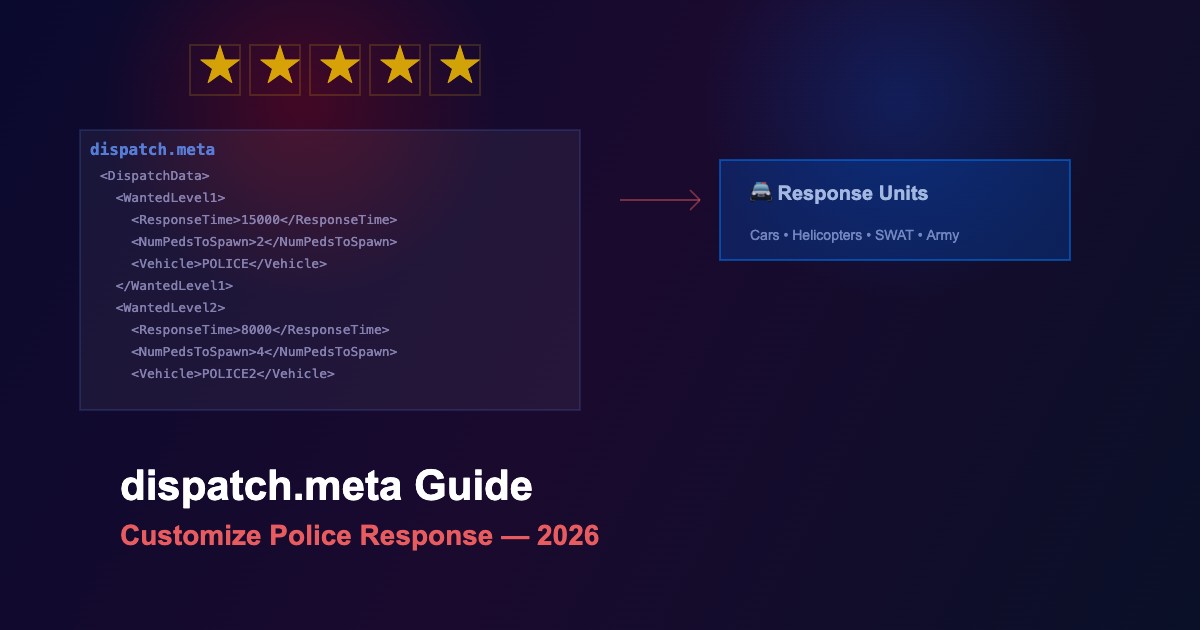
dispatch.meta - Control Police and Emergency Response in GTA 5
The dispatch.meta file controls how law enforcement and emergency services respond to crime in GTA 5. Edit this file to customize wanted level behavior, response times, vehicle types, and unit counts for each star level.
Wanted Level Configuration
| Stars | Default Response | Vehicles | Response Time |
|---|---|---|---|
| ★ | 1-2 patrol officers | POLICE | ~15 seconds |
| ★★ | 3-4 officers, roadblocks | POLICE, POLICE2 | ~8 seconds |
| ★★★ | 6+ officers, helicopter | POLICE3, POLMAV | ~5 seconds |
| ★★★★ | SWAT teams, heavy vehicles | RIOT, FBI, FBI2 | ~3 seconds |
| ★★★★★ | Military response, tanks | BARRACKS, RHINO | Immediate |
Key Parameters
| Parameter | Type | Description |
|---|---|---|
ResponseTime |
Integer (ms) | Time before units spawn after wanted level gained |
NumPedsToSpawn |
Integer | Number of officers per dispatch wave |
DispatchVehicle |
String | Vehicle model used for this wanted level |
MaxCopCarsOnScreen |
Integer | Maximum active police vehicles at once |
HelicopterMinLevel |
Integer | Minimum stars for helicopter dispatch |
SWATMinLevel |
Integer | Minimum stars for SWAT response |
ArmyMinLevel |
Integer | Minimum stars for military deployment |
File Location
The dispatch.meta file can be found at:
update/update.rpf/common/data/ai/dispatch.meta- Edit using OpenIV with mods folder enabled
Common Modifications
- Realistic police — Increase response times, reduce officer count at low stars, add gradual escalation
- LSPDFR compatibility — Reduce vanilla dispatch to avoid conflicts with LSPDFR's own system
-
Disable helicopters — Set
HelicopterMinLevelto 6 (unreachable) -
No military — Remove or increase
ArmyMinLevelbeyond 5 -
Aggressive AI — Lower response times and increase
NumPedsToSpawnfor challenging gameplay - Custom vehicles — Replace default police vehicles with modded ones
Tips for Editing
- Backup first — Always save a copy of the original dispatch.meta
- Test incrementally — Change one parameter at a time and test in-game
- Balance matters — Too many units can cause performance issues and AI conflicts
-
Combine with other files — Works best alongside
popcycle.datandpopgroups.ymtedits - XML format — File uses standard XML syntax; maintain proper tag nesting





Comments0
Sign in to leave a comment
No comments yet. Be the first to comment!